Next Touch in CRM
Client event → who, when, and what to write
In short
After a webinar, incomplete application, or long silence, managers each time decide anew who to write to, when, and with what context.
Outcome
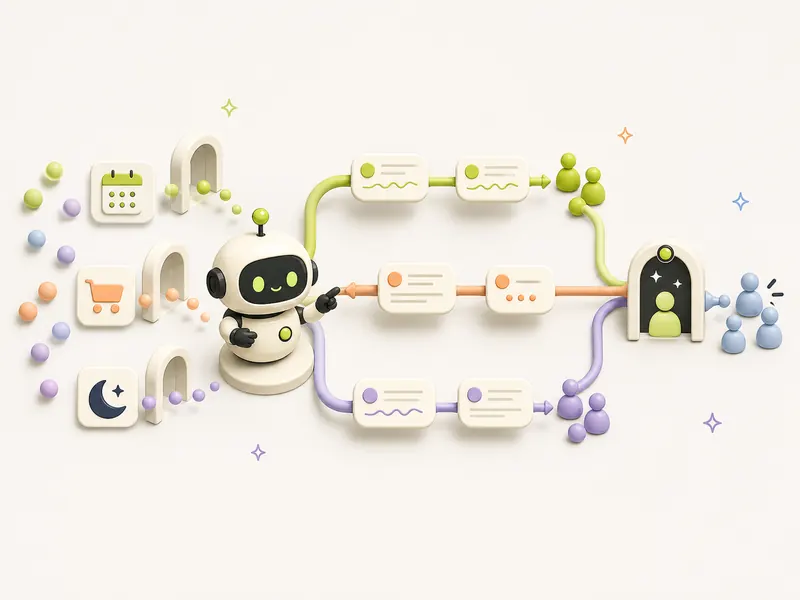
A scenario library links an authorized event with a non-overlapping segment, priority, timing, and message draft, without intercepting live dialogue.
How the automation runs
Trigger
An agreed event appeared in CRM or manager requested a specific scenario
Automation steps
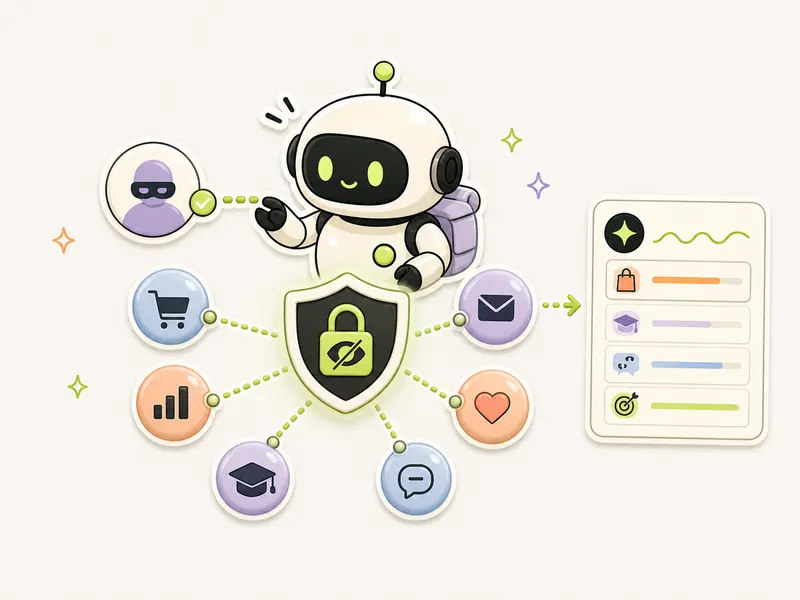
- Checks event, consent to communicate, and contact relevance
- Builds non-overlapping segments according to transparent rules
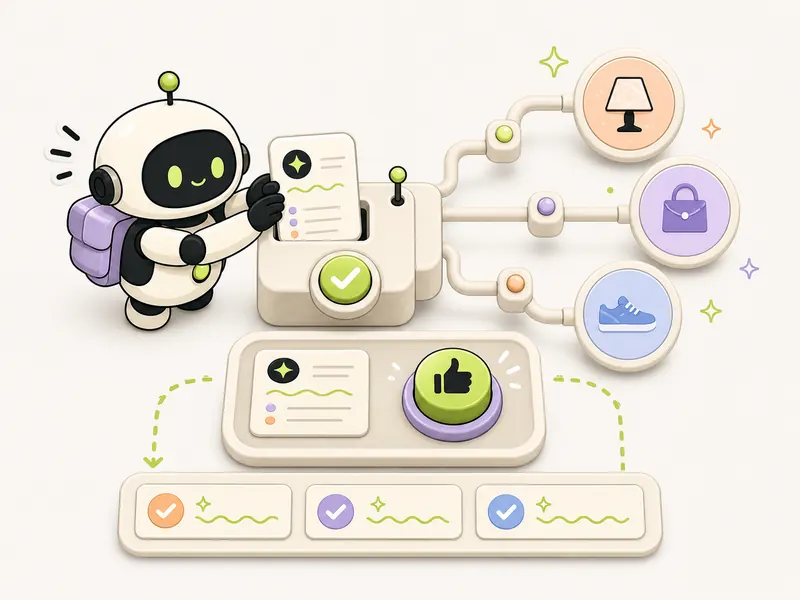
- Selects timing and draft of the first touch
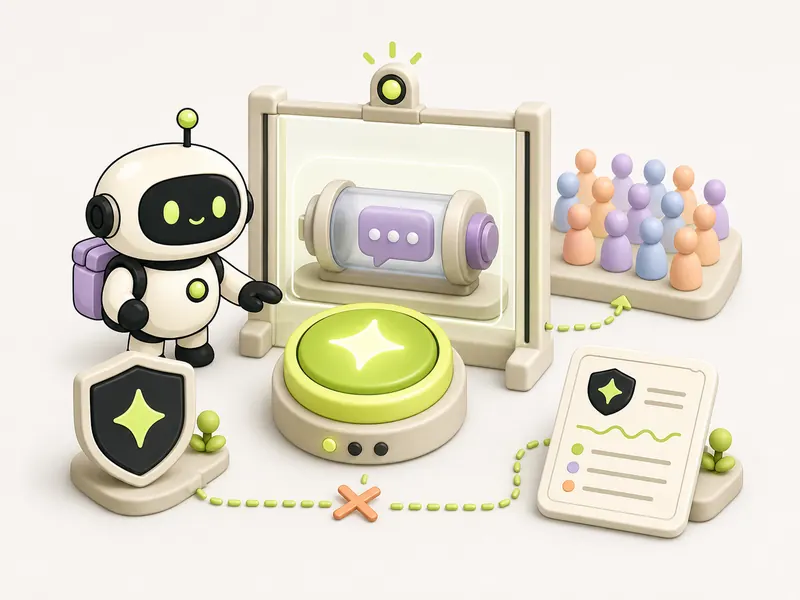
- Stops automation on active response or ambiguous status
- Provides manager with a queue, explaining why each contact is included
Human check
The manager approves the segment and sending, handles active dialogues, and can exclude a contact; without a legal basis for communication, the scenario is not activated.
Outcome
A scenario library links an authorized event with a non-overlapping segment, priority, timing, and message draft, without intercepting live dialogue.
Automation diagram
The overall logic is publicUsing it
When to use it
Recurring events and agreed contacts exist in CRM, but follow-up is chaotic and depends on the manager's memory.
How to verify
Control contacts fall into exactly one expected segment, reasons for selection are explainable, active dialogue blocks automation, and unsubscribe applies to all scenarios.
Tools
Recipe details
Open every recipe through @venturehunter
We ask for no phone number, no password and no Telegram login on the site. @penioza_bot checks your subscription inside Telegram and brings you back here with access to every kit, not just this one recipe.
Need help putting this in place?
We will walk through your process and build this loop around your data, your limits and your people.
Message me — I will help