Multi-Channel Broadcast
One material → several channels after one confirmation
In short
The same material is manually assembled in several channels, and before sending, there is no overall picture of the audience, text, and attachments.
Outcome
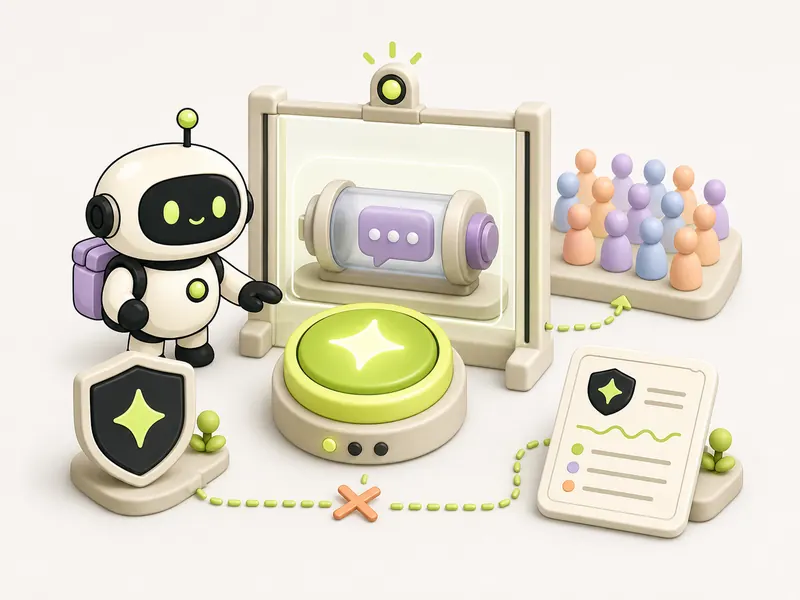
The system validates the material, freezes the audience snapshot, and displays one confirmation card before controlled sending and delivery log.
How the automation runs
Trigger
Text, attachment, selected channels, and audiences prepared
Automation steps
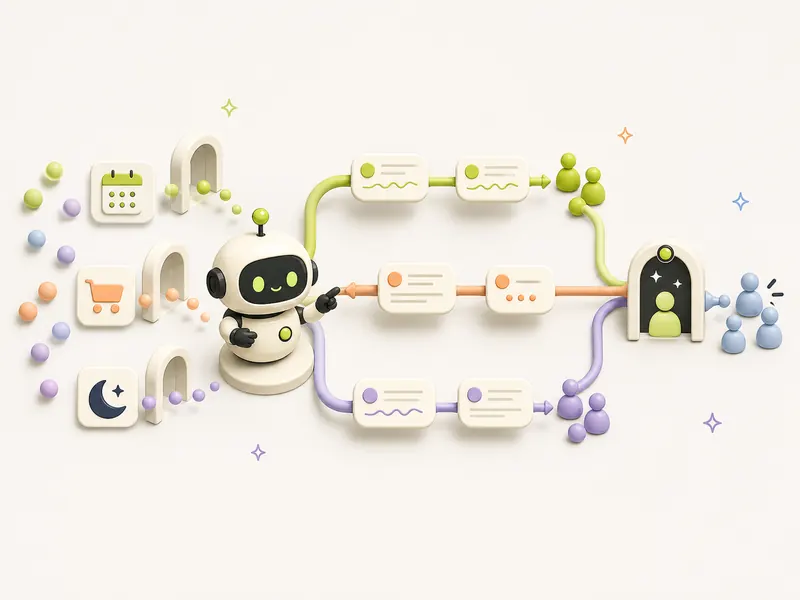
- Checks links, attachment, and mandatory fields for each channel
- Fixes audience and shows a general preview
- Waits for explicit owner confirmation
- Sends to channels and saves separate delivery status
Human check
Without personal owner confirmation, sending is impossible; a failure pauses the affected channel instead of a hidden automatic retry.
Outcome
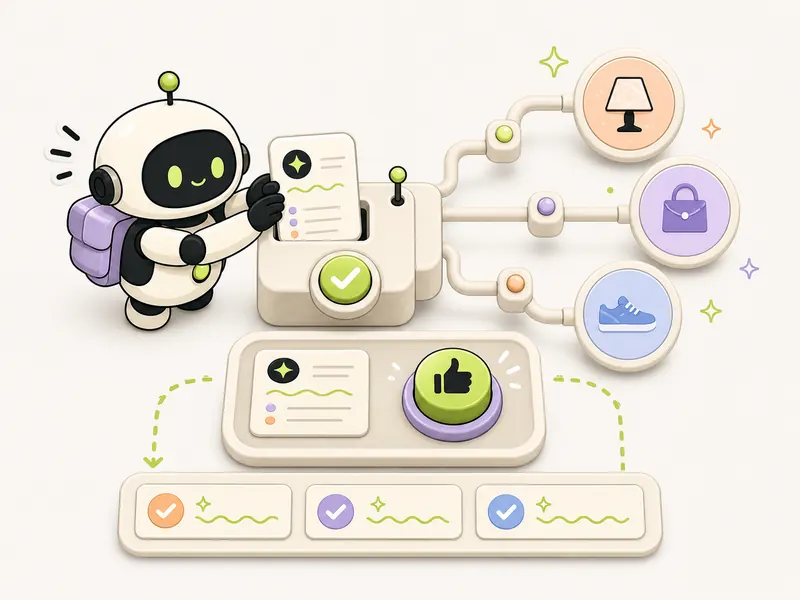
The system validates the material, freezes the audience snapshot, and displays one confirmation card before controlled sending and delivery log.
Automation diagram
The overall logic is publicUsing it
When to use it
Identical broadcasts regularly go out on two or more channels, and an error can affect customers or reputation.
How to verify
In a test campaign, no message is sent without confirmation; preview and counters are correct, and delivery statuses are recorded for each channel.
Tools
Recipe details
Open every recipe through @venturehunter
We ask for no phone number, no password and no Telegram login on the site. @penioza_bot checks your subscription inside Telegram and brings you back here with access to every kit, not just this one recipe.
Need help putting this in place?
We will walk through your process and build this loop around your data, your limits and your people.
Message me — I will help