Product Preview Video
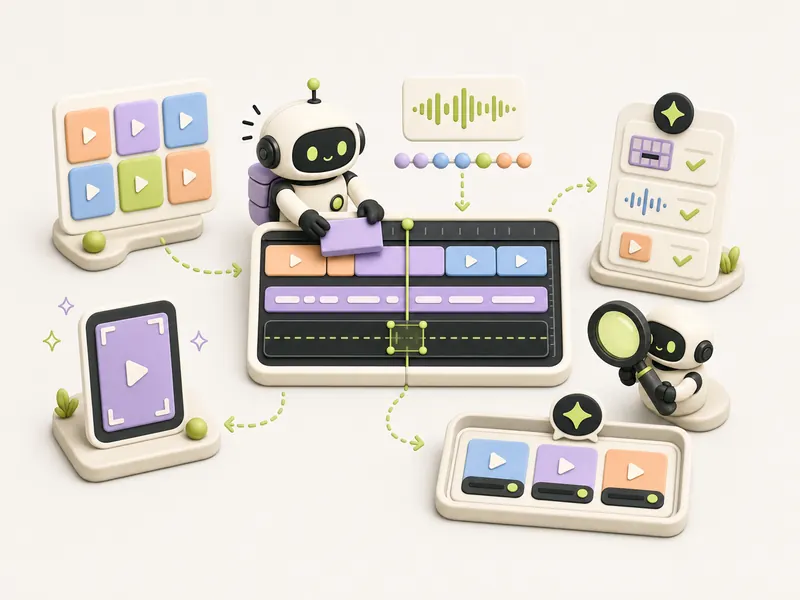
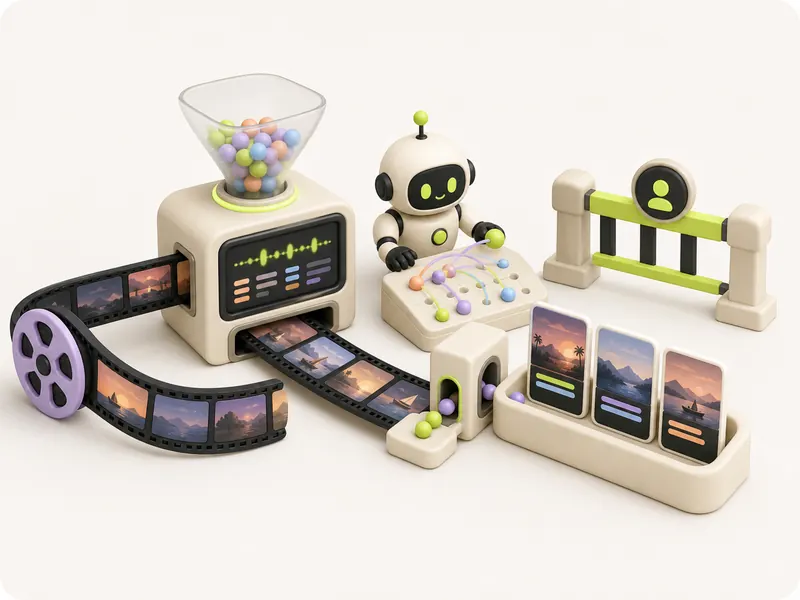
User journey → short video from editable scenes
In short
A typical screen recording is long and lacks drama, and manual motion design needs to be re-assembled with every product change.
Outcome
The pipeline transforms the real user journey into an HTML storyboard, animates the cursor, renders frames, and assembles a short video with precise edits.
How the automation runs
Trigger
A stable user journey is ready, and safe product screenshots are selected
Automation steps
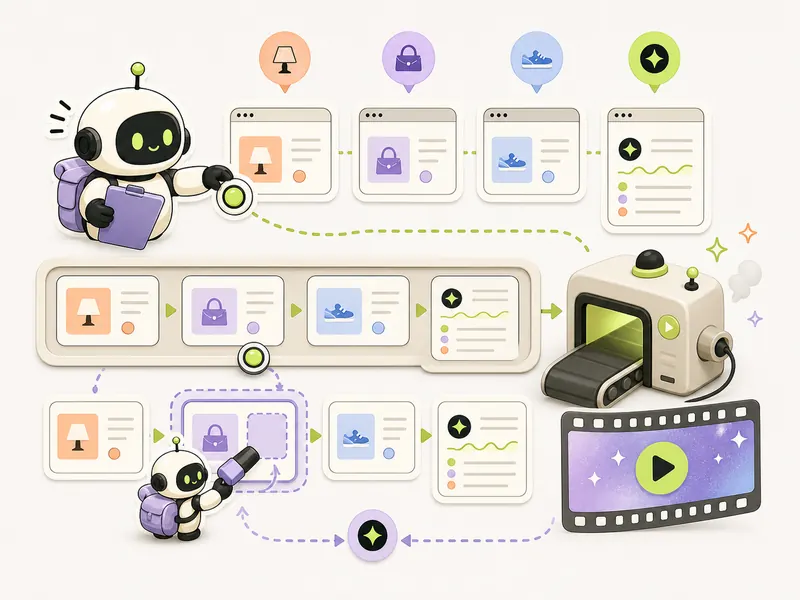
- Navigates the user journey and records problem, action, and result
- Assembles short drama and HTML scenes on real safe screens
- Animates cursor and edits sensitive details
- Renders frames with browser and assembles video
- Allows replacing one scene and re-assembling the result
Human check
A person approves the script, asset rights, masking, and final publication; the pipeline does not automatically post videos.
Outcome
The pipeline transforms the real user journey into an HTML storyboard, animates the cursor, renders frames, and assembles a short video with precise edits.
Automation diagram
The overall logic is publicUsing it
When to use it
A web tool needs a short, clear explainer that is easy to update after product changes without re-recording the screen.
How to verify
The video fits the target length, sensitive data is hidden, the interface is shown honestly, sound and frames are synced, and scene edits are re-assembled separately.
Tools
Recipe details
Open every recipe through @venturehunter
We ask for no phone number, no password and no Telegram login on the site. @penioza_bot checks your subscription inside Telegram and brings you back here with access to every kit, not just this one recipe.
Need help putting this in place?
We will walk through your process and build this loop around your data, your limits and your people.
Message me — I will help